Cinematic AI Video From One Photo: Two Real Examples, Prompts Included
Example 1 — Enchanted forest, from one illustration
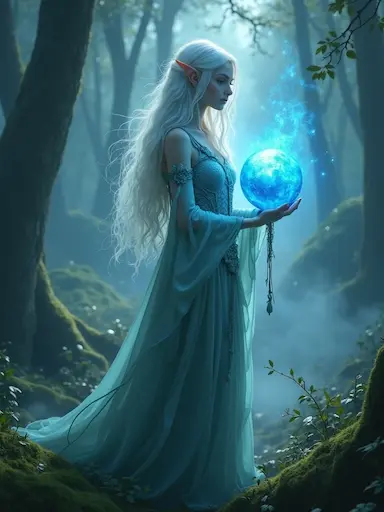 Input — one image
“Magical runes glow and swirl around the enchanted forest, fireflies drifting through golden light”
Counterintuitively, the most cinematic instruction is often no camera move at all: runes turn, fireflies drift, and the locked frame gives their motion room to register. Count the prompt\'s requests \u2014 two moving elements, one light color. That austerity is the whole difference between composed and busy.
Example 2 — Street dancer, morning light
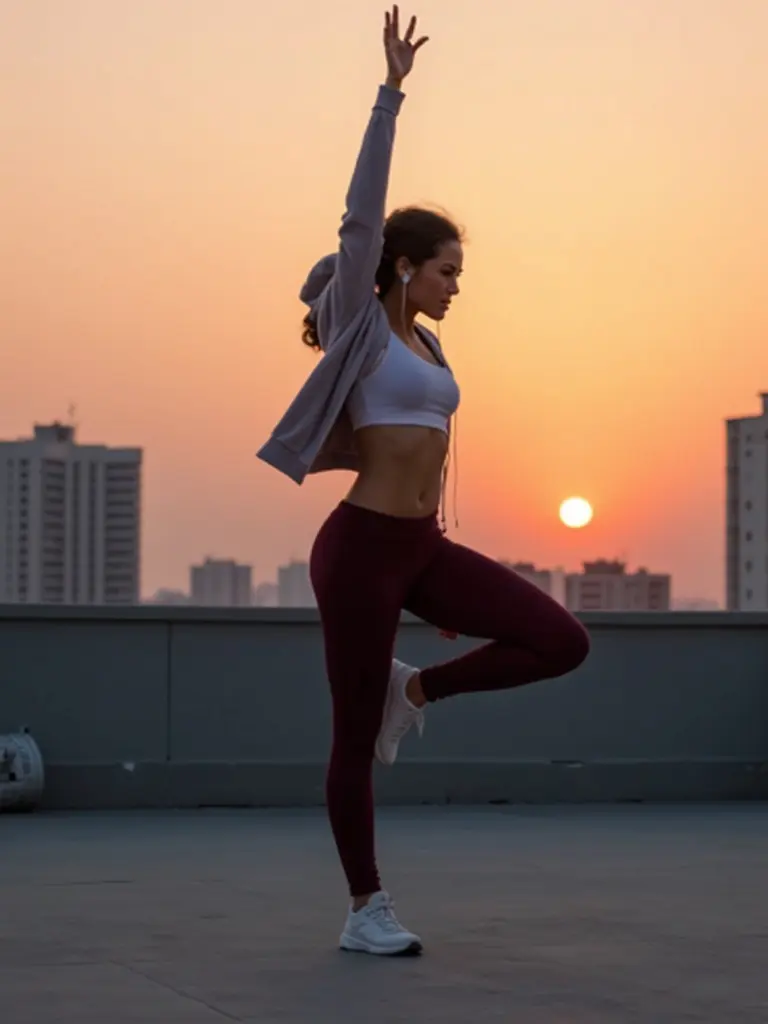 Input — one photo
“The dancer moves gracefully in the morning light, cinematic slow motion”
Nine words. “Cinematic slow motion” is the highest-leverage phrase in image-to-MP4: it slows the subject enough for the model to render clean limbs, and it instantly reads as film. When a prompt feels weak, add slow motion before adding anything else.
The three-layer prompt formula
- Subject motion — what moves, in one clause (“runes glow and swirl”)
- Light — one quality of light (“golden light”, “morning light”)
- Camera — one move or stillness (“slow motion”, “static frame”)
Both examples above follow it. The 90-prompt library is built on the same pattern — 12 prompts per scene category, all copy-paste ready.
FAQ
How do I get cinematic results from a photo?
Describe three separate layers in the prompt — subject motion, light, and camera. The forest example below is one subject (runes swirling), one light cue (golden), one camera mood (drifting fireflies). Cinematic feel comes from restraint, not from stacking adjectives.
What does a cinematic clip cost?
25 credits with Veo 3.1 or Grok Imagine 1.5 — about $2.46 using the $5.90 pack. One-time credits, no subscription, never expire.
Do I need a professional photo?
No. Both examples on this page started from ordinary single images. Sharp subjects with clean backgrounds work best; the model invents the atmosphere you describe.
Should the camera move?
Usually one move per clip: a slow push-in, a drift, a partial orbit. Two camera moves in one prompt usually produce mush — pick one and name it explicitly.
Can I copy these prompts?
Yes — every prompt shown produced the exact video beside it. Paste, then swap the subject clause for your own photo.